
Email payment link
To email a link to request payment or card registration, click the Email Payment Link button.
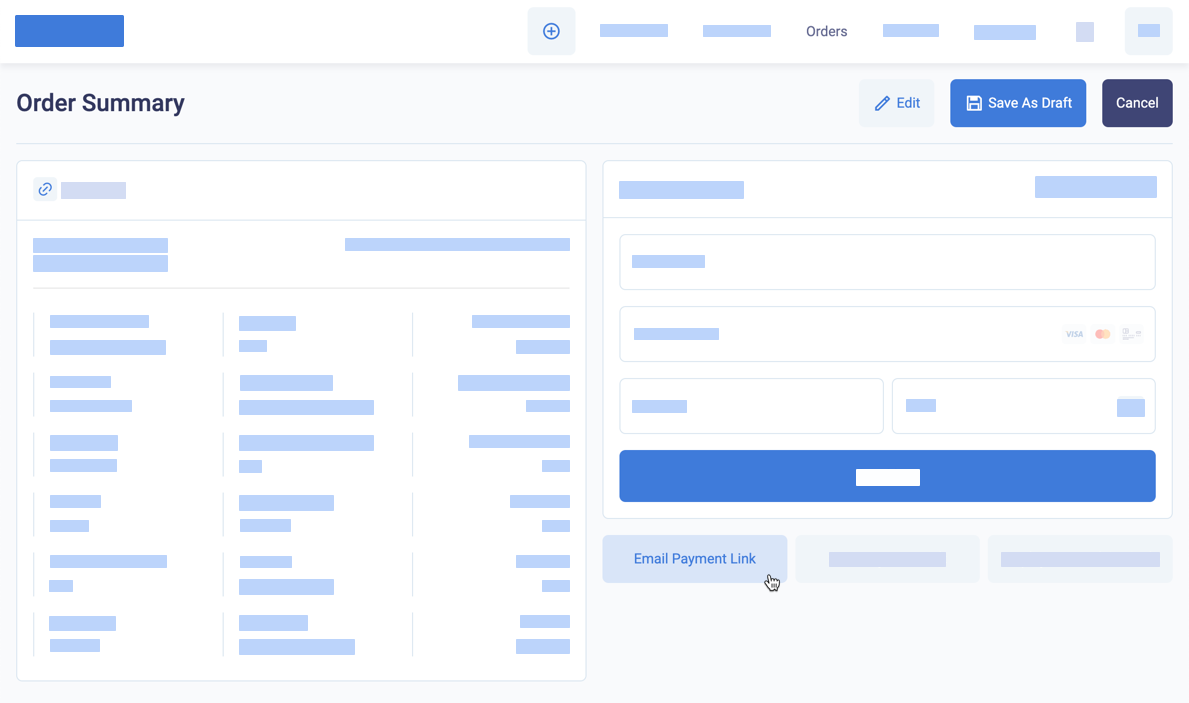
Send a payment link by email
BillPro sends the Order ready email notification to the email address in the customer account. See Order ready and reminder. When the customer clicks on the Proceed to Checkout link, a 3D Secure e-commerce checkout loads in the customer’s browser. See Secure checkout.
After you send the payment request, the order has a Pending status until the customer makes an approved payment or card registration, see Process pending orders, or until you cancel the order.
The payment links in the original email and any reminders open the checkout. The checkout is available until the customer makes an approved payment, pre-authorisation, or card registration. After that, the payment links open the order portal. Here the customer can view the order details and billing history, manage cards for recurring payment, and download invoices, receipts and credit notes.
Updated 12 months ago