
Subscription renew and paused and resumed
Notify changes to subscription orders
Subscription Renew
As a requirement of the card schemes, customers receive this email one week before each billing event for their subscription. The customer can update their card details by clicking on the update your payment details here link. This link opens the Order Portal. From there, the customer can click Update Card or + Add Payment Method. This opens a secure checkout to register a card. When the customer updates their card, BillPro charges the amount of any declined billing events.
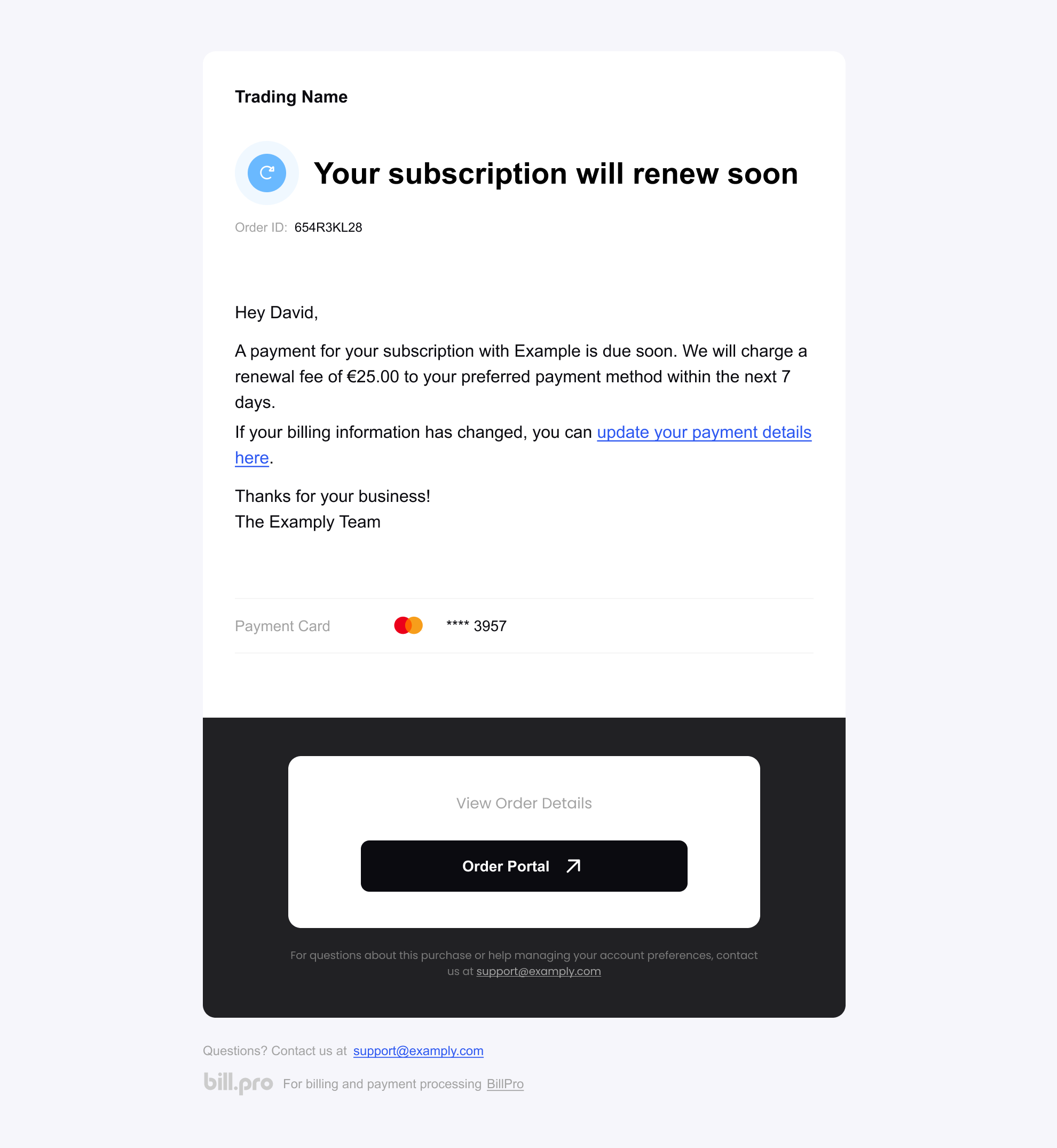
The subscription renewal email
Subscription Paused
The customer receives this email when you pause their subscription. See Pause a subscription
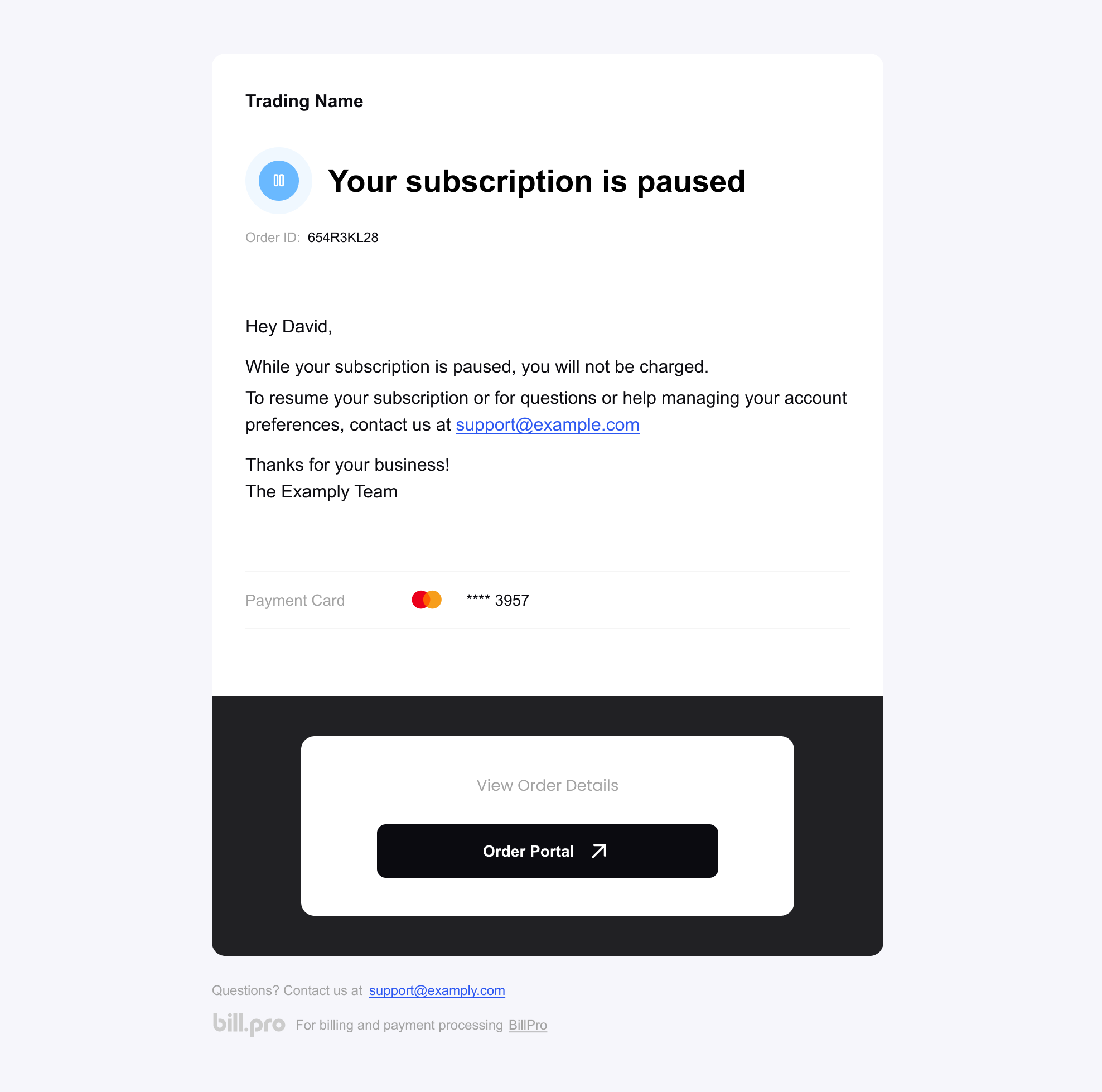
The email notifying that a subscription has been paused
Subscription Resumed
The customer receives this email when you resume their subscription or when it resumes automatically. See Pause a subscription
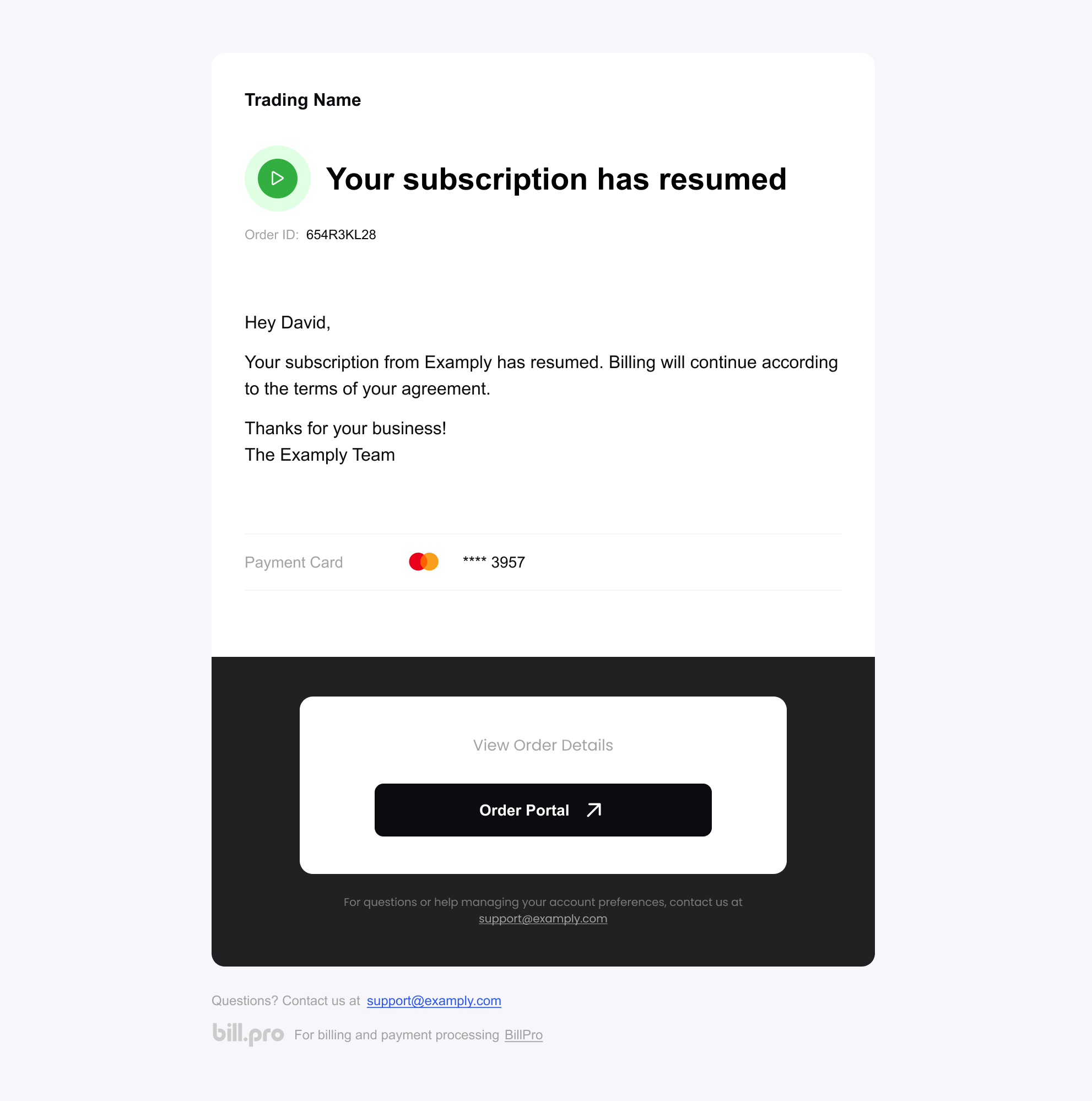
The email notifying that a subscription has been resumed
Updated 12 months ago