

Order ready SMS
Notify your customer by SMS that their order is ready and include a link to the secure checkout
When you click SMS Link on the Payment Details page of an order, the customer gets a message that their order is ready, with a payment link. See SMS payment link.
An example of how the message appears to the customer is as follows.
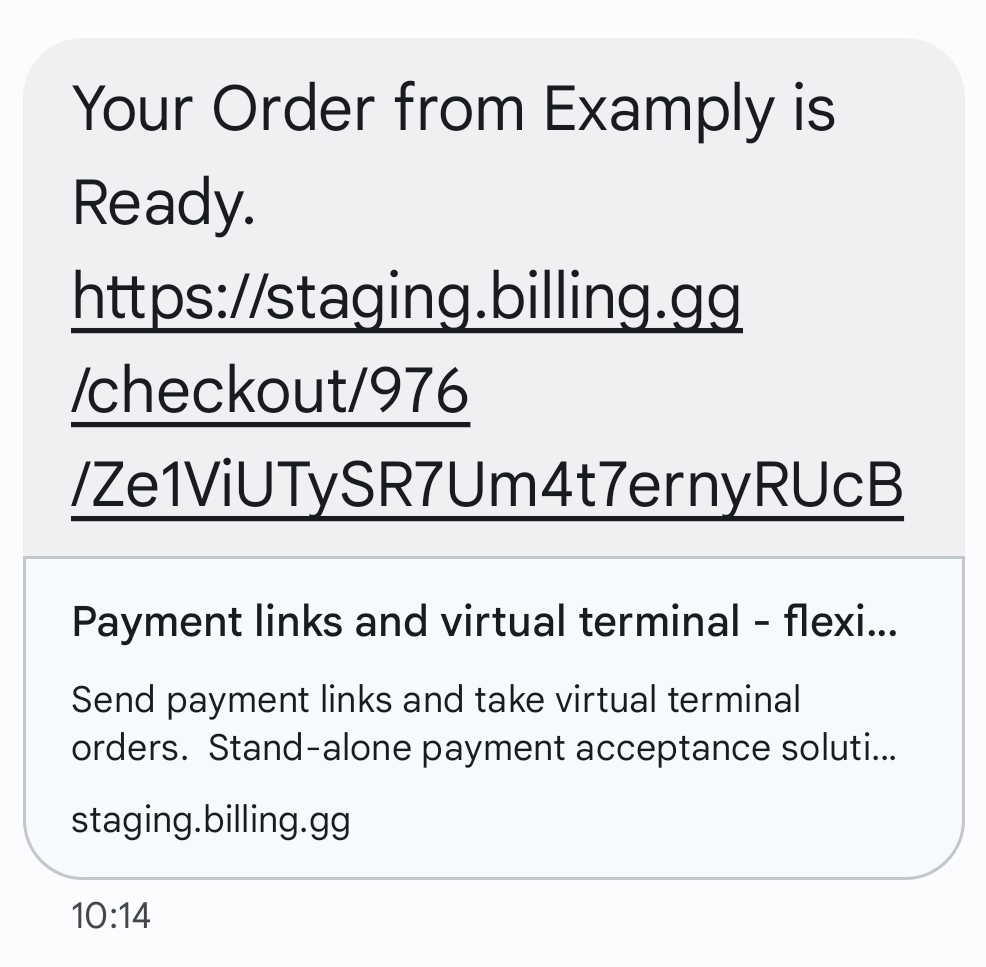
SMS payment link
The SMS checkout link opens a secure checkout, which is the same as the checkout for the email payment link. See Secure checkout.
The checkout link is valid until the customer pays or registers a card. If the customer's transaction is denied, then the order stays Pending, and the same link to the checkout is still valid.
To send a reminder, open the Order Summary of the Pending order, click the … menu and select SMS Reminder Link. BillPro sends the same message again with the same link.
To find out about the charges for SMS notifications, contact BillPro Customer Service.
Updated 24 days ago