
Activate PDF invoices, receipts, and credit notes
Automatically generate PDF documents and give users self-service downloads
Users can always download an order summary. You can also activate PDF invoices, receipts, and credit notes.
Activate invoices, receipts, and credit notes
To activate PDF invoices, receipts and credit notes:
- From the user icon menu, select the Invoice Configuration option.
- Click the pencil edit button.
- Select Enable Invoicing.
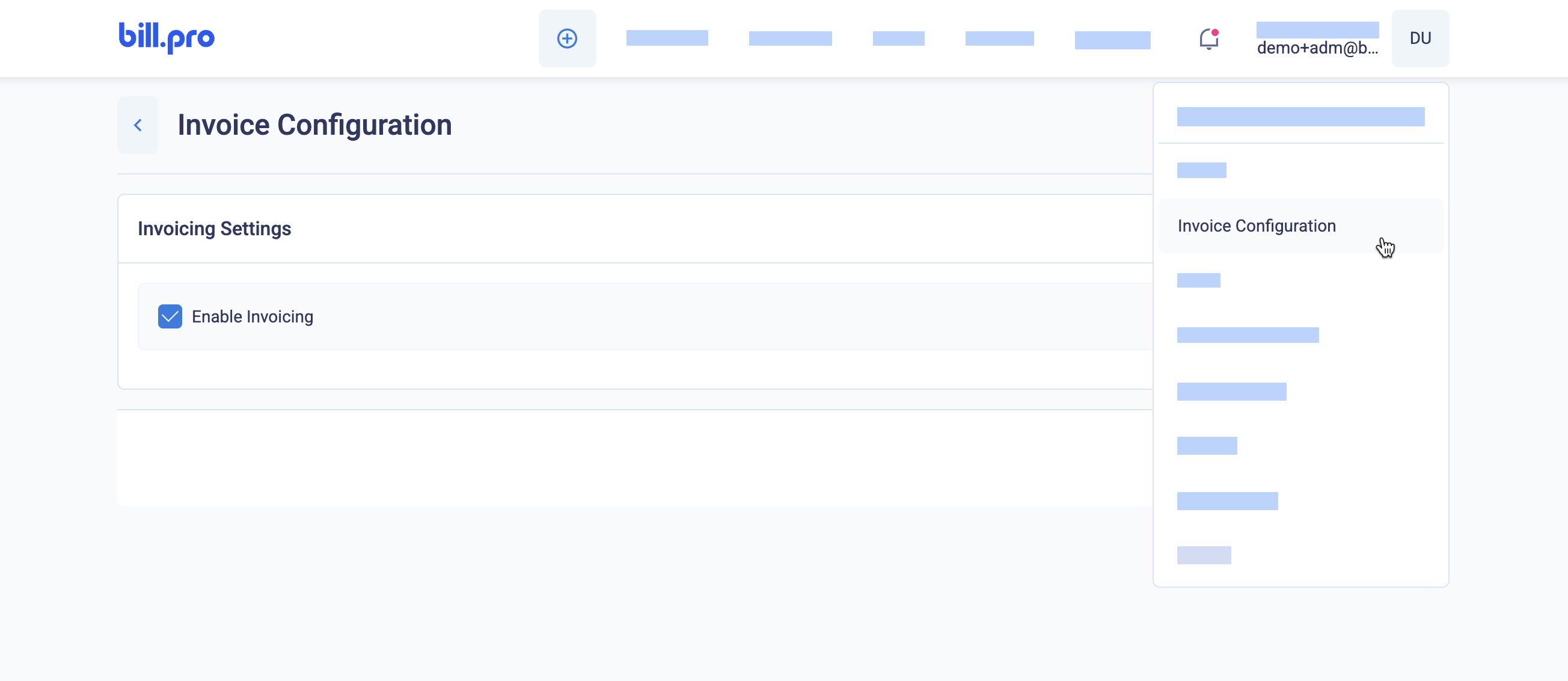
Enable invoicing under Invoice Configuration
This will enable invoicing with the default configuration as described here.
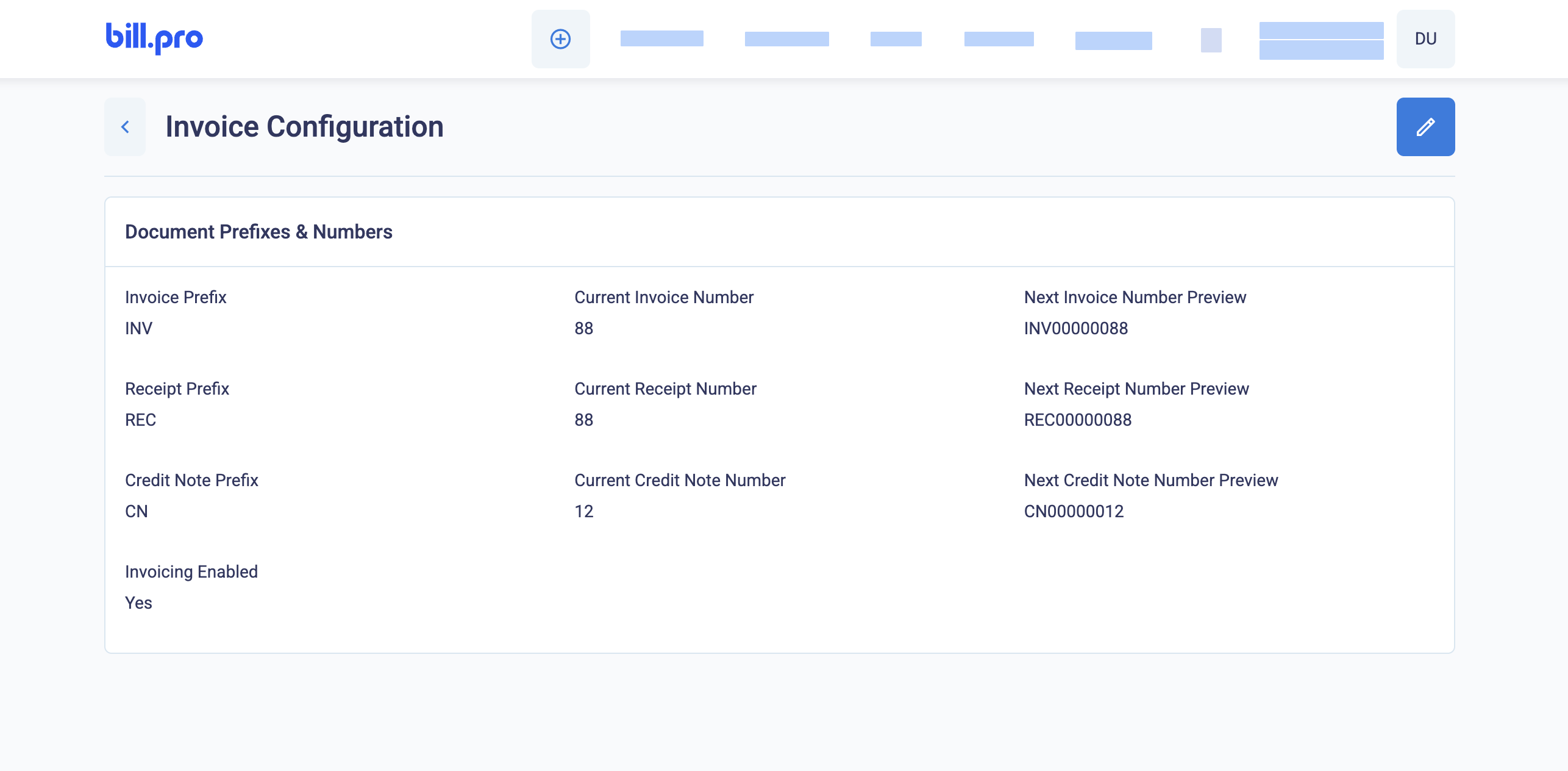
The default invoicing configuration
Configure advanced options
This table contains the default configuration of invoicing in BillPro. To change this configuration, contact BillPro Customer Service.
| Configuration | Default | Options |
|---|---|---|
| Invoice prefix | INV | |
| Invoice starting number | 1 | |
| Invoice number preview | INV000000001 | |
| Receipt prefix | REC | |
| Receipt starting number | 1 | |
| Receipt number preview | REC00000001 | |
| Credit note prefix | CN | |
| Credit note starting number | 1 | |
| Credit note preview | CN00000001 | |
| Document number padding | 8 | |
| Disable invoices | Deactivated by default (Invoices are available) | |
| Disable receipts | Deactivated by default (Receipts are available) | |
| Disable credit notes | Deactivated by default (Credit notes are available) | |
| Date format | DD/MM/YYYY | MM/DD/YYYY YYYY-MM-DD Month DD, YYYY |
| Currency format | Symbol (€100) | Code (EUR 100) |
Updated 6 months ago
Did this page help you?