
Access the order portal
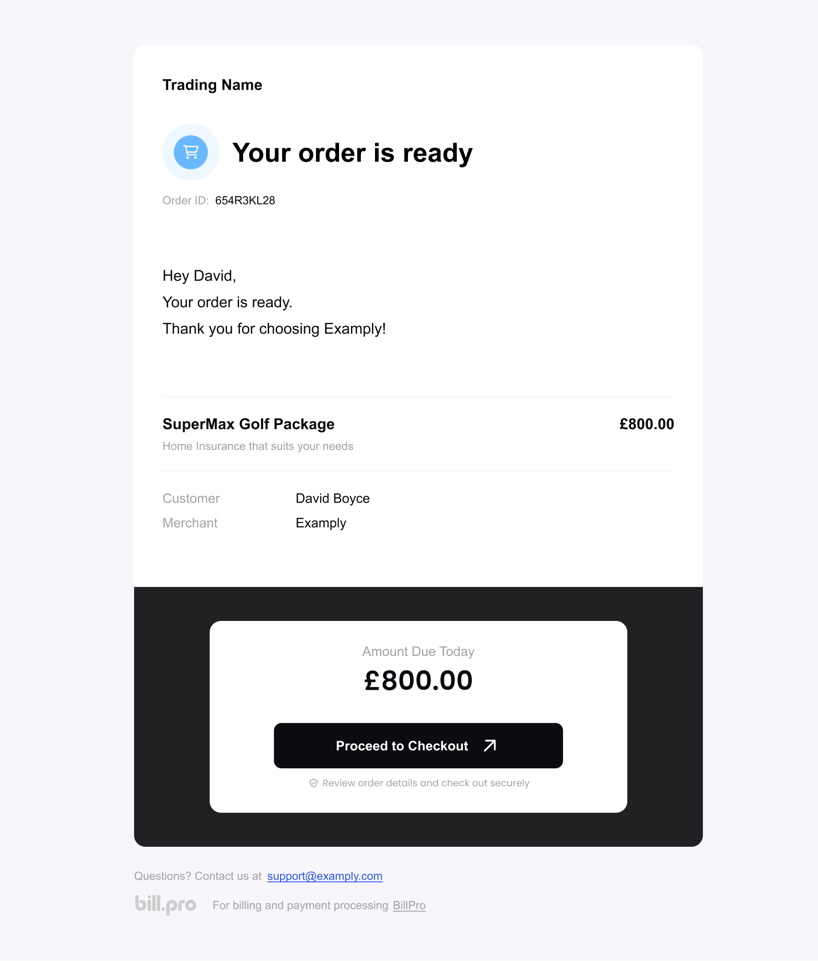
The customer can access the order portal from payment links. After you create an order in BillPro, you can click Email payment link. BillPro sends the Order is Ready notification that contains the payment link.
In the email, the customer clicks Proceed to Checkout to open the Checkout. After the customer makes their initial payment or pre-authorisation, the order becomes Active. For an active order, all the payment links will open the Order Portal.
If a recurring payment fails, BillPro sends a notification with a link to the order portal. The customer can use this link to go to the order portal and update their card. BillPro charges the customer any outstanding amount.
Updated 9 months ago
Did this page help you?