

Share a product page
Copy a product page link to share with customers
Every product page has a link you can share anywhere: on your website, in social media posts, emails or chat messages.
- On the navigation bar, go to Products › Products List.
- Click the product.
- Under Product page, click the copy button beside the link. BillPro shows Product page link copied.
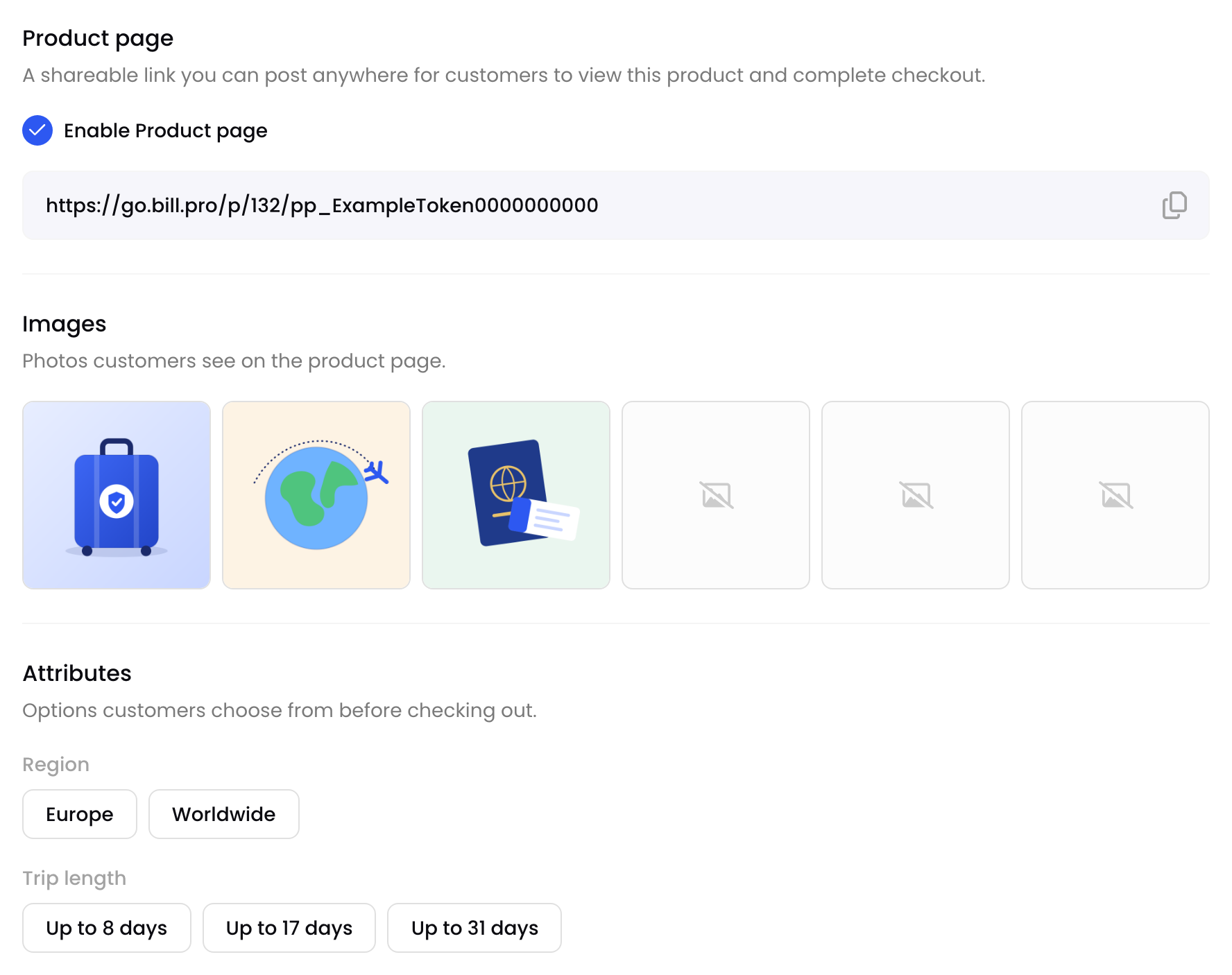
The product page link
Only users who can edit products see the link. Other users see whether the page is on.
Before you share
Open the link in a private browser window to check what customers see. The page works on phones as well as computers.
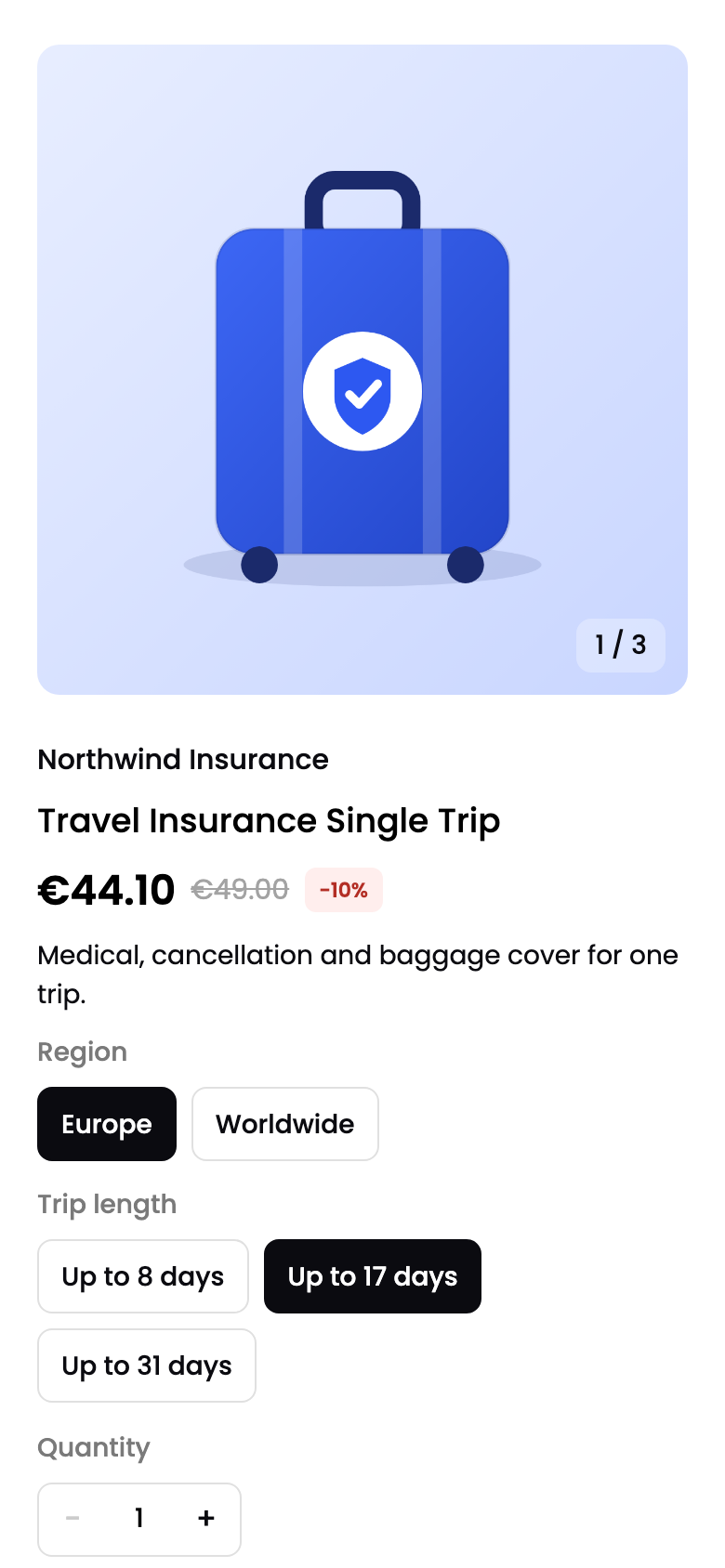
A product page on a phone
Share a page with options chosenWhen you choose options on the page, they're added to the address, for example
?option.Region=Europe&quantity=2. Copy the address from your browser to share the page with those options already chosen.
If the product is inactive, or its page is turned off, the link shows This page is unavailable.
Updated 2 days ago
Did this page help you?