

View your profile
Check your company and processing details
Your profile holds your company details and how BillPro processes payments for you. BillPro Merchant Support sets it up and changes it for you.
To open it, open the profile menu and select Profile. You need an admin or accountant role.
Profile Details
Profile Details shows your company information, the contact details customers see, and your business and legal information, such as your terms and conditions and privacy policy URLs. BillPro uses them in emails, checkouts and the order portal.
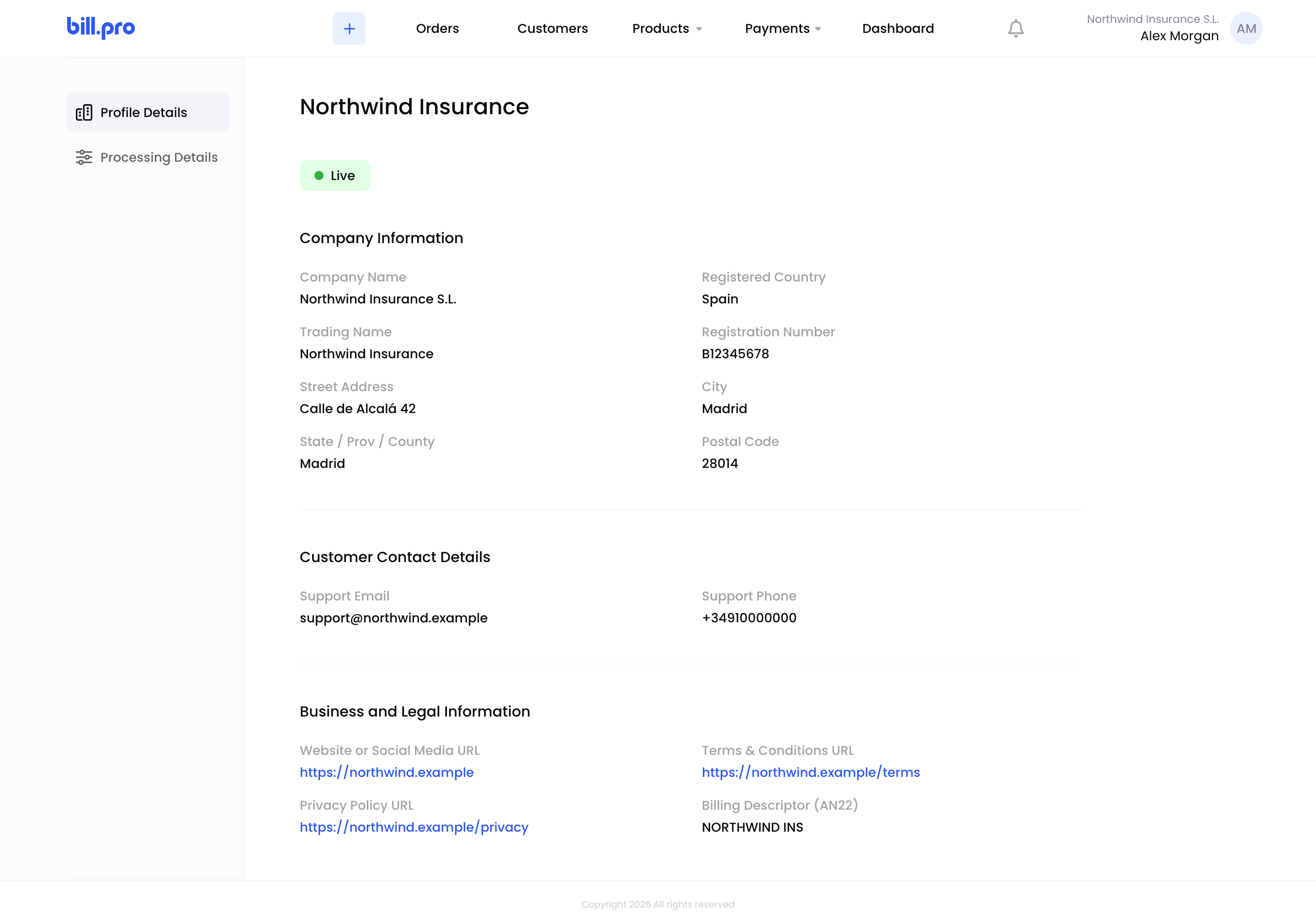
Profile Details
Processing Details
Processing Details shows:
- Enable Purchase Types: the product types you can sell.
- Payment Links: when BillPro sends reminders for unpaid links, and whether it cancels old links and draft orders.
- Auto Retry: whether BillPro retries soft-declined payments, and on which days.
- Auto Suspend: whether BillPro suspends subscriptions after the retries are used up.
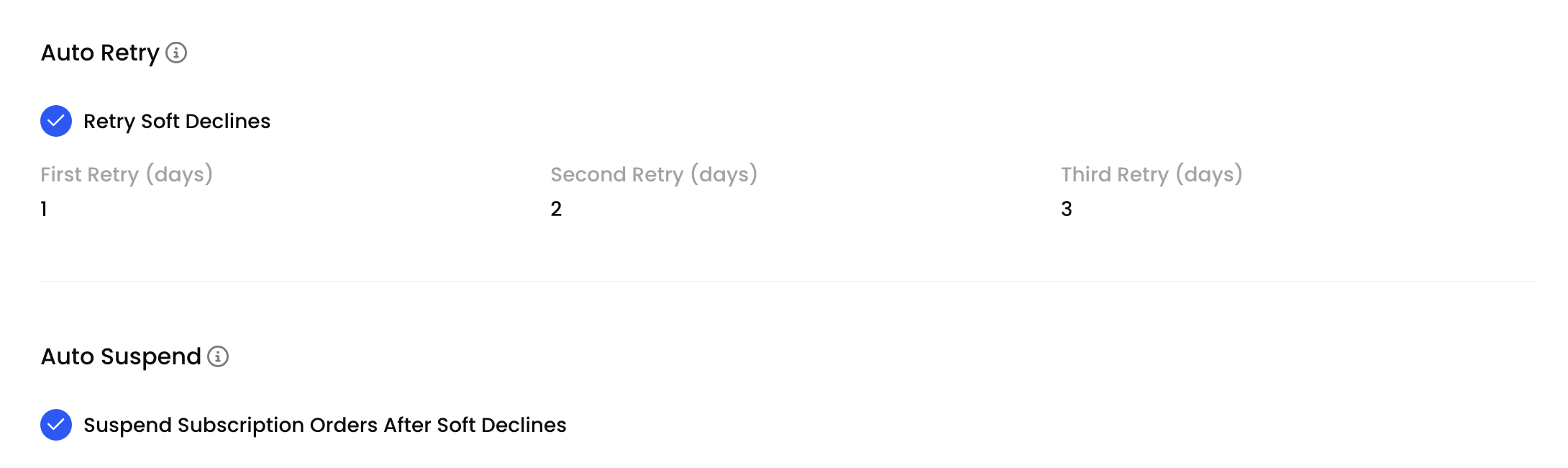
Processing Details
For what each setting means, see Configure BillPro with CardCorp. To change them, contact BillPro Merchant Support.
Updated 1 day ago
Did this page help you?