

Account settings
Change your name and password
Every user can change their own name and password.
- Open the profile menu and select Account Settings.
- Change your First Name or Last Name.
- To change your password, enter a New Password of at least 6 characters.
- Click Save.
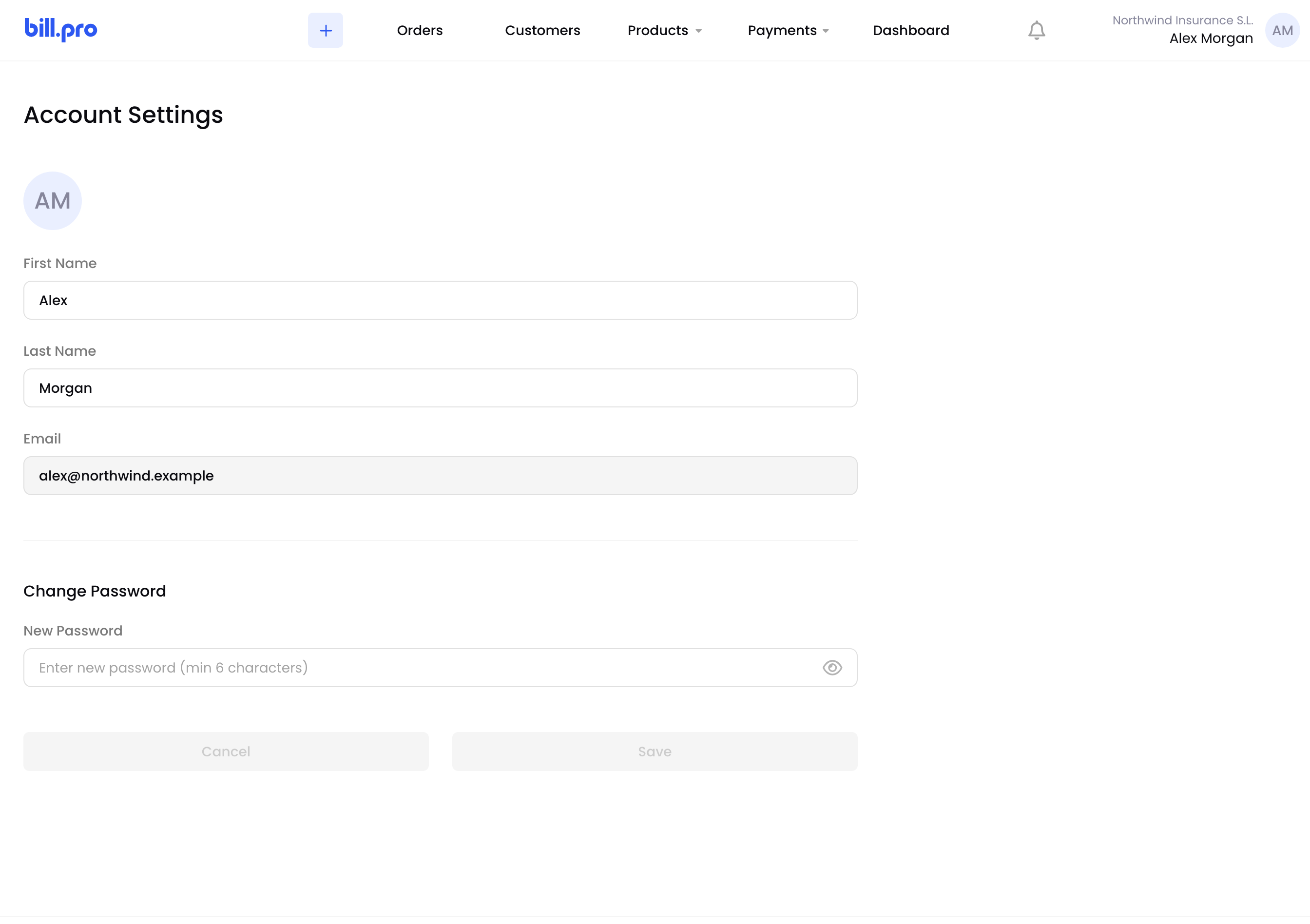
Account settings
To change your email, role or profiles, ask an admin. See Manage users.
Updated 1 day ago
Did this page help you?