

Overview
Sell a product from a shareable page, without creating orders yourself
A product page is a public web page for one of your products. Customers open its link, choose their options, enter their details and pay. BillPro creates the order for you.
Use it to sell from your website, social media, emails or chat, without creating each order in BillPro.
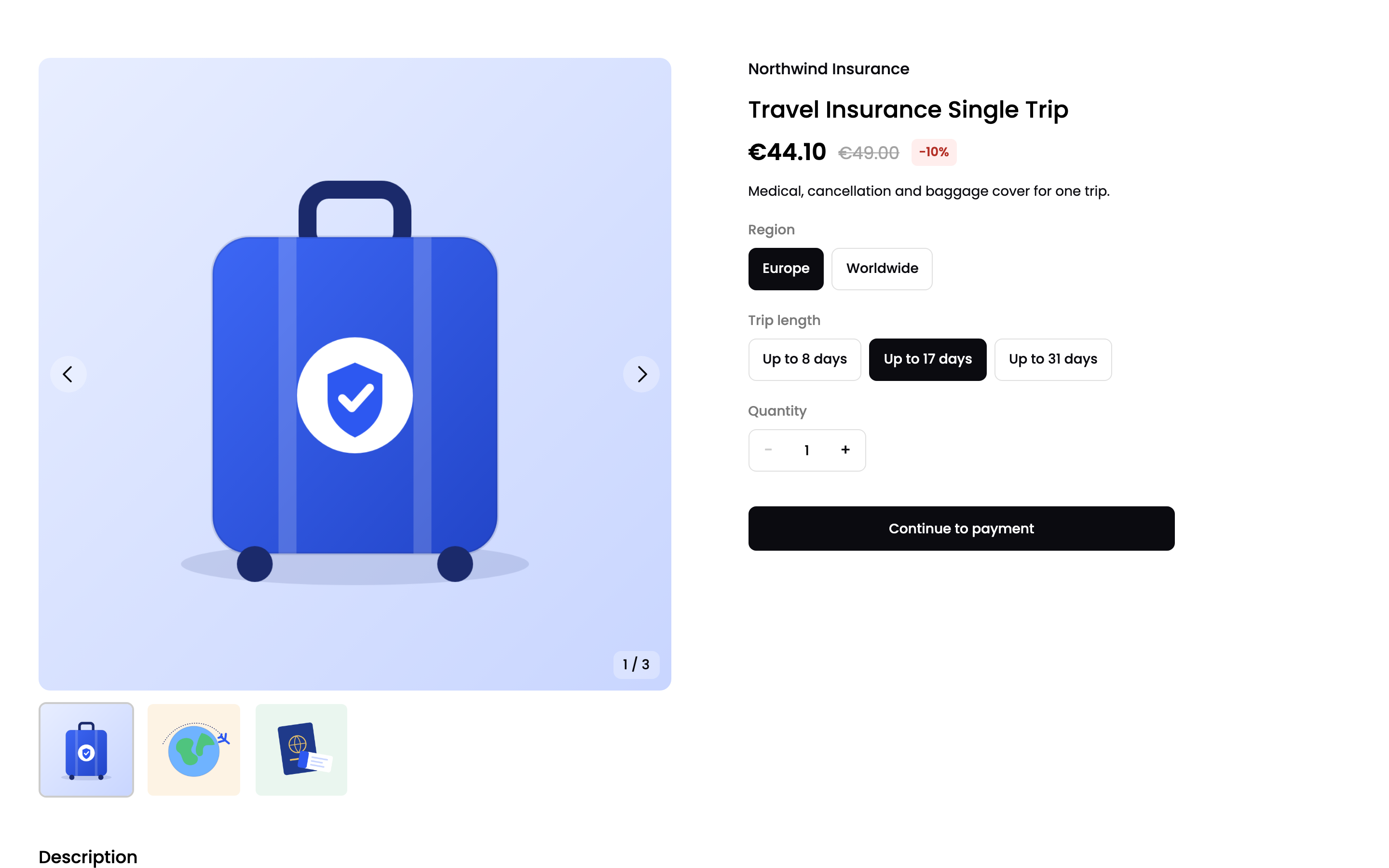
A product page
For the complete documentation index, see llms.txt
Which products can have a page
| Purchase type | Product page | Options (attributes) |
|---|---|---|
| Single payment | Yes | Yes |
| Subscription | Yes | No |
| Instalment | No | No |
| Metered | No | No |
The product must be active. If you set a product to inactive, its page stops working.
How it works
- You turn on the product page for a product, and add images and options. See Set up a product page.
- You copy the page link and share it. See Share a product page.
- The customer opens the link, chooses options and quantity, and enters their details.
- BillPro creates the order with the
Draftstatus. - The customer pays at the checkout. The order becomes
Complete, orActivefor a subscription.
flowchart LR
  Link["Customer opens
  the page link"] --> Product["Chooses options
  and quantity"]
  Product --> Details["Enters their details"]
  Details -->|"BillPro creates
  a Draft order"| Checkout["Pays at the checkout"]
  Checkout -->|Approved| Done["Order Complete, or
  Active for a subscription"]
  Checkout -->|Declined| Retry["Customer can
  retry the payment"]
For what the customer sees at each step, see Buy from a product page. For the orders it creates, see Orders from product pages.
The page link
Each product page has its own link, in this format:
https://go.bill.pro/p/{product_id}/{page_token}
Anyone with the link can open the page. The customer doesn't need an account.
Updated 2 days ago